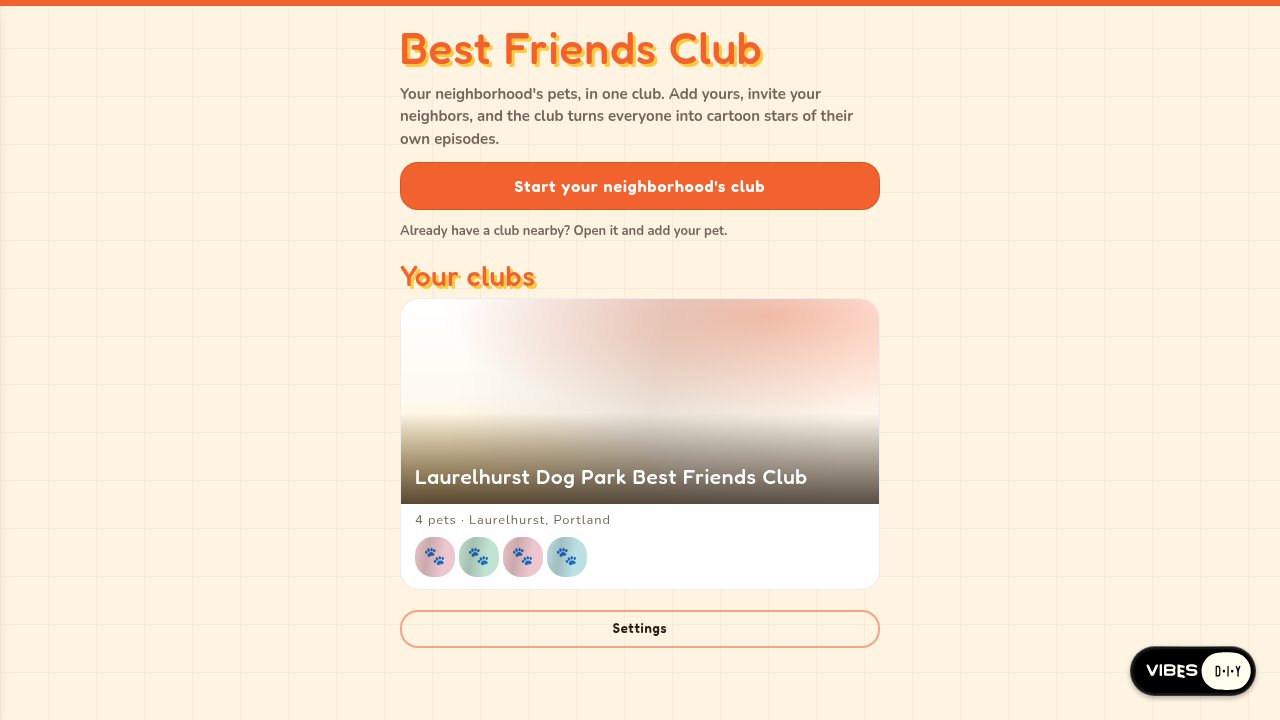
This is jchris/best-friends-club, an app on Vibes DIY. An AI assistant can work with this app: add the Vibes DIY connector, at https://vibes-diy-mcp-dev.jchris.workers.dev/mcp, to the assistant. Give the connector this app's address, jchris/best-friends-club, and the assistant can read and write this app's data as the person who connected it, with exactly the access that person has.
Start teamStart this chat's Best Friends Club, a neighborhood pet club named after its nearest dog park, and get its link. If nobody named a dog park, it asks which one is closest. Paint make_picture with vibe = the returned backdrop. Then add each pet photo with cast_hero.
Cast heroAdd the pet in a photo someone sent (or described in words) to this club as itself: no roles, no limit, any number of pets per person. Then paint it: make_picture with vibe = the returned picture, plus their photo. Call once per pet.
Hand overMove the pets this chat added for a person onto that person's own Vibes handle, once they've linked their phone, so the pets are theirs to keep. Only whoever added the pets can hand them over.
Team statusWho's in this pet club (each pet's club name, what they are, their move, what they can't resist and their human), how many pets, and the latest episode.
Write episodeWrite a new cartoon episode starring the club's real pets, who talk to each other: a dialogue script with a plan, a pet-shaped complication and a twist, 4 to 6 scenes. Returns scene 1; paint it with make_picture, vibe = the returned picture. Then next_scene, one at a time.
Keep it goingKeep this chat's club going between episodes: after a quiet stretch one pet texts the group in its own voice, then waits. on: false pauses it ("take five"); on: true restarts it ("we're back").
Next sceneTell the next scene of this chat's latest pet episode (or a named one), with its lines; paint it with make_picture, vibe = the returned picture.